IoT automatic network registration: how zero-touch enrollment works at scale

Mikk Lemberg
Manually configuring thousands of IoT devices before deployment isn't a process – it's a liability. Yet many hardware OEMs still treat network registration as an afterthought, only to discover the operational cost when devices are already in the field.
In this article
- What automatic network registration actually means
- The bootstrap-to-operational profile flow
- Zero-touch enrollment: how devices register themselves
- eSIM and the SGP.32 standard
- Device identity and authentication
- Where automated onboarding breaks down
- Frequently asked questions
- Key takeaways
What automatic network registration actually means
When OEMs search for "IoT automatic network registration," they're usually trying to solve one of two problems: how to get devices online without manual steps at each unit, or how to authenticate those devices at scale without building a bespoke provisioning system.
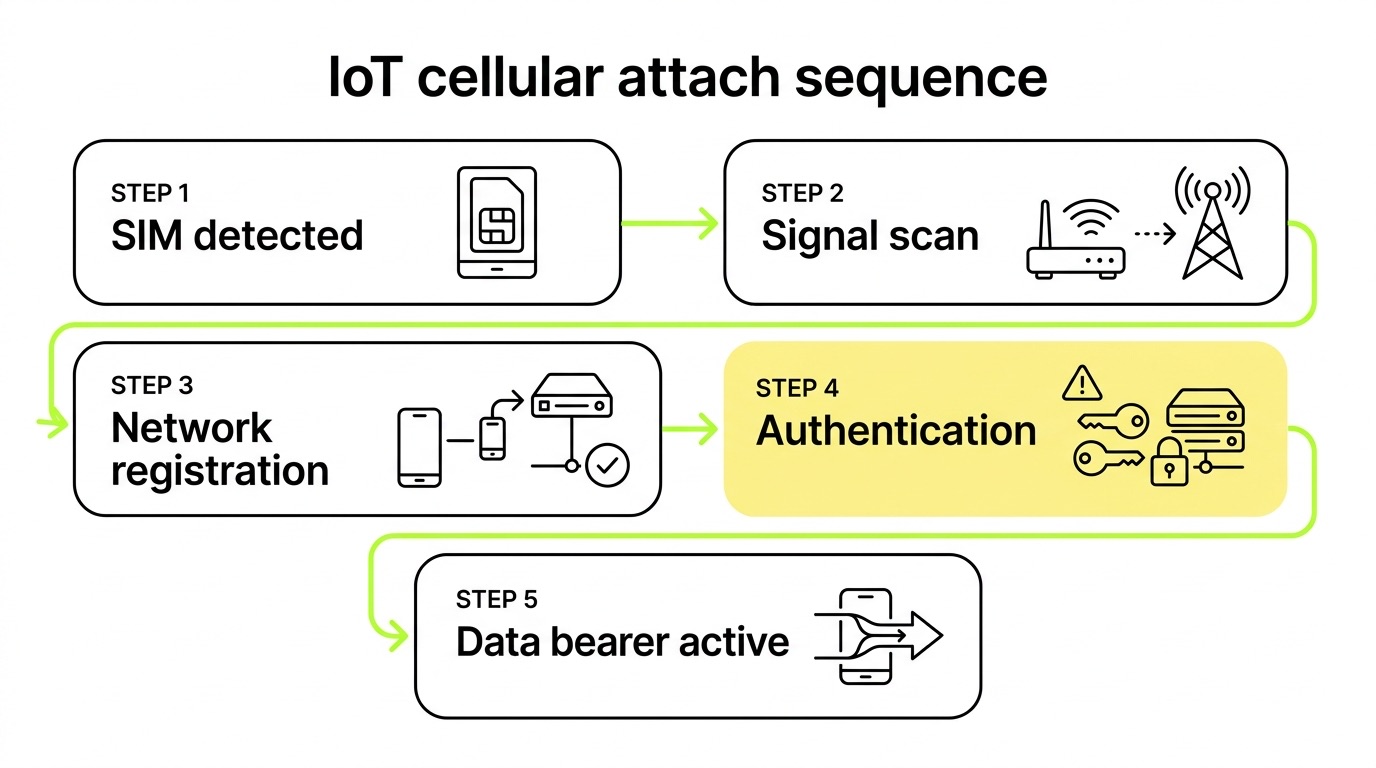
These are related but distinct. Network registration is the cellular attach process – the device identifying itself to the network using credentials stored on a SIM or eSIM, exchanging authentication vectors, and receiving an IP session. Zero-touch enrollment goes further: it's the automation layer that handles provisioning, profile delivery, and operational readiness without human intervention at the device level.
Together, they define whether your deployment scales cleanly or turns into a field operations problem.
The bootstrap-to-operational profile flow
Every automated IoT deployment starts with a bootstrap profile – a pre-loaded, limited-connectivity profile that gives the device just enough network access to pull down its real operational credentials. Understanding the elements of IoT connectivity involved – IMSI, authentication keys, DHCP, and the cellular core – helps clarify why each step in this sequence matters.
Here's how the flow works in practice:
- Device powers on with a factory-loaded bootstrap profile on the eUICC (embedded SIM chip).
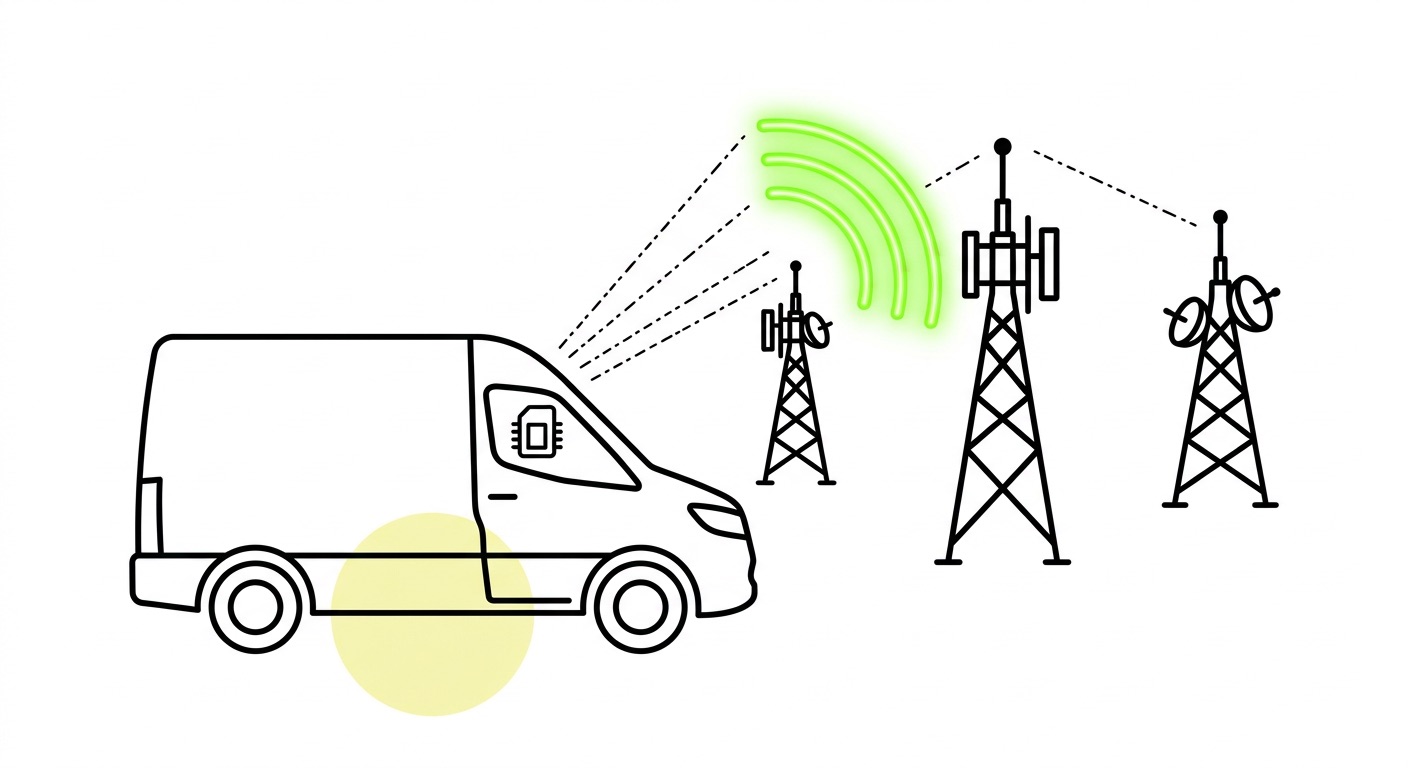
- Initial network attach occurs using bootstrap credentials – the device registers on any available carrier that accepts the bootstrap IMSI.
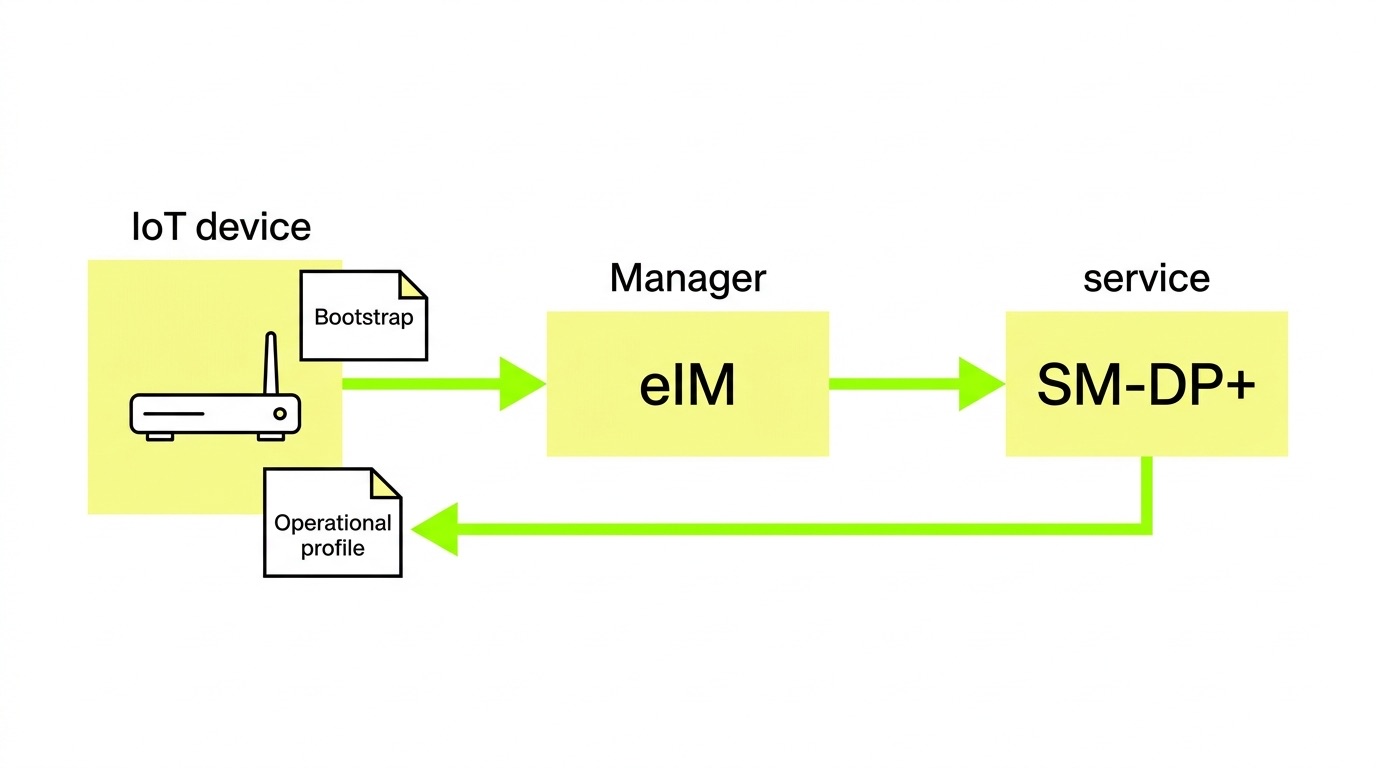
- The IPA (IoT Profile Assistant) running on the device or eUICC contacts the eIM (eSIM IoT Remote Manager) over TLS/DTLS.
- The eIM instructs the SM-DP+ (Subscription Manager Data Preparation+) to prepare and deliver the operational profile.
- Profile downloads to the eUICC, the bootstrap is disabled, and the device re-registers on the target operational network.
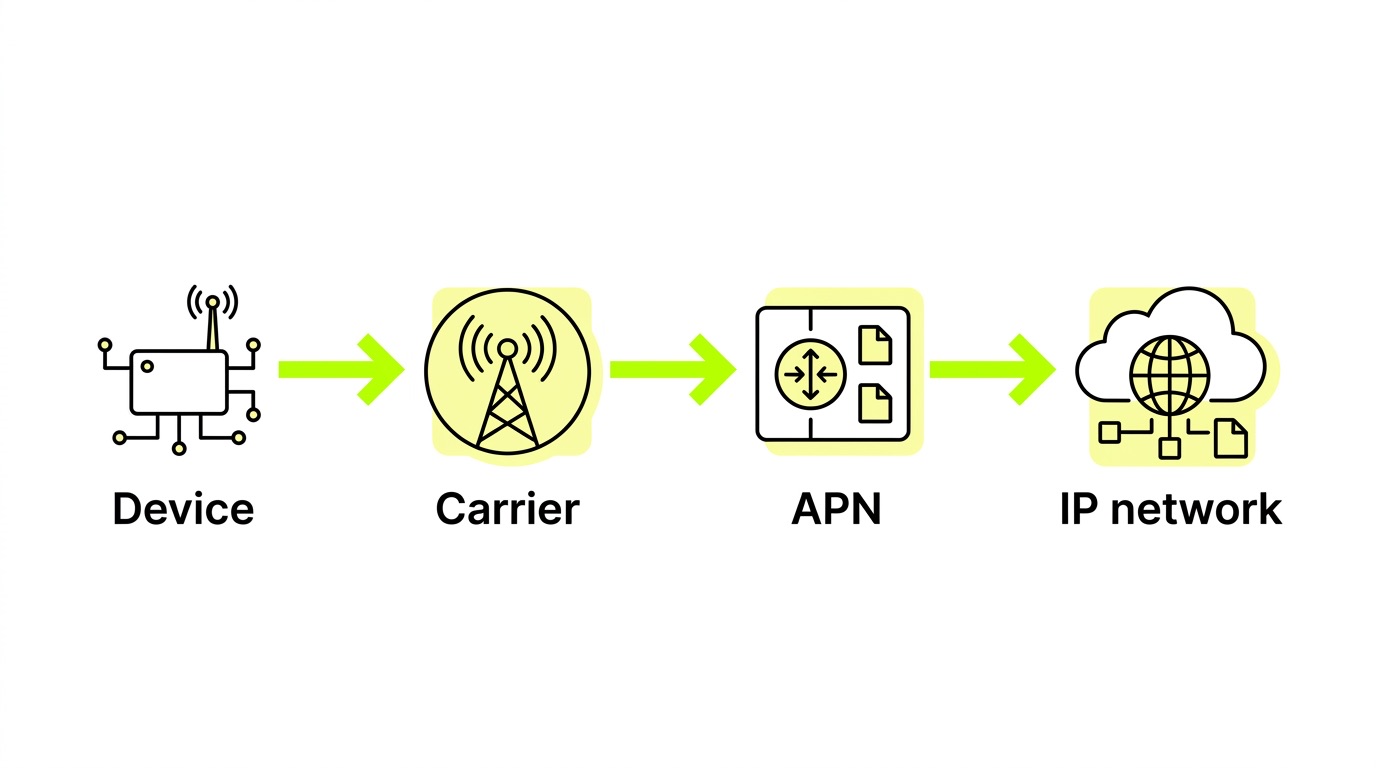
- Full session established – the device is now live on its intended carrier with the correct data plan, APN configuration, and identity.
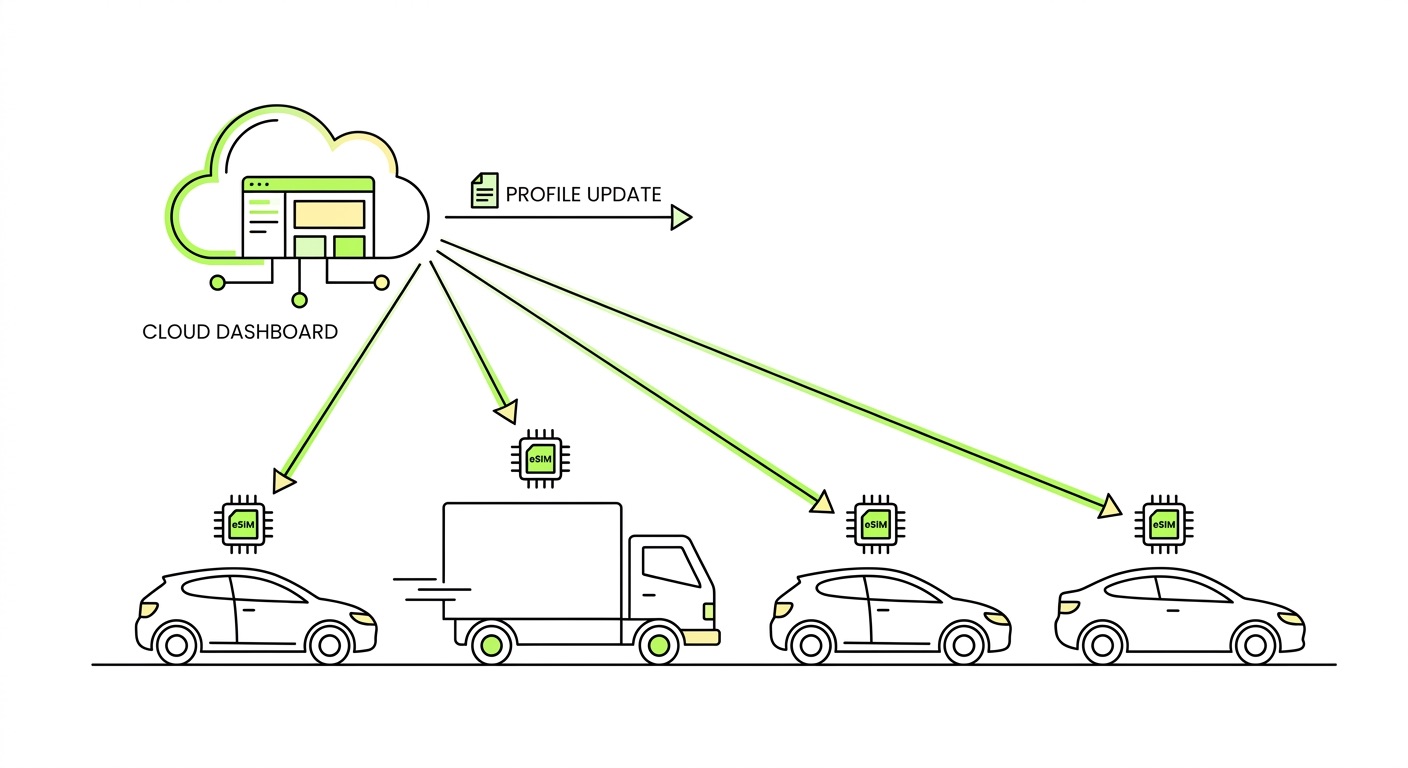
This entire sequence can complete in seconds, without a technician touching the device. What's changed in modern deployments is that the provisioning layer is now fully remote and automated – the underlying cellular mechanics are the same as they've always been, but orchestration has moved from the hands of field engineers to software.
Zero-touch enrollment: how devices register themselves
Zero-touch enrollment is what happens when the provisioning logic is embedded in the device and infrastructure – not in a manual workflow. The GSMA SGP.32 specification formalizes this for IoT: the eIM orchestrates profile delivery autonomously, with no QR code scanning, no SMS trigger, and no user action required.
This matters especially for constrained IoT devices – sensors, trackers, meters – that lack screens or keyboards. SGP.32 supports multiple transport protocols specifically to accommodate these devices:
- HTTP/TCP/TLS for standard broadband-connected devices
- CoAP/UDP/DTLS for network-constrained devices such as those running NB-IoT or LTE-M
- LwM2M or MQTT/TCP for devices already running IoT-specific protocol stacks
The result is that enrollment logic adapts to the device's connectivity environment rather than requiring the device to meet a fixed connectivity threshold before provisioning can begin. This architectural flexibility is what makes zero-touch viable across the full spectrum of IoT hardware – from high-bandwidth fleet terminals to low-power environmental sensors operating on constrained networks.
eSIM and the SGP.32 standard
eSIM is the enabling technology behind scalable automatic registration. But not all eSIM implementations are equal – the differences between consumer eSIM and M2M eSIM are significant when you're designing for IoT at scale.
SGP.32 is a meaningful evolution. The older M2M architecture required an SM-SR (Subscription Manager Secure Routing) component that often created vendor lock-in – if your SM-SR provider changed terms or exited the market, your device fleet was effectively stranded. SGP.32 replaces the SM-SR with the eIM, which sits closer to the IoT customer's control and enables multi-operator provisioning without requiring direct integrations with each carrier.

We've seen OEMs come to us after locking their entire fleet to a single SM-SR provider, only to discover that switching was impossible without a hardware recall. The structural fix is using a platform where you own the eIM relationship – not just the SIM contract. That distinction is easy to overlook during vendor selection and extremely costly to ignore after deployment.
1oT's IoT eSIM infrastructure is built on this architecture: SM-DP+ and eIM-based, cloud-native on AWS, with real-time synchronous provisioning capable of installing a profile in under a second. It's also the first site in Europe to receive GSMA SAS-SM provisional certification for offering the eIM for the IoT eSIM solution – which matters because security compliance in RSP infrastructure is not optional when you're provisioning at fleet scale.
Device identity and authentication
Automatic registration only works if the network can trust the device. This is where device identity becomes critical – and where many OEM hardware designs introduce vulnerabilities that can't be patched later.

Every cellular device carries several identifiers that the network uses for authentication. Understanding what each one does clarifies why identity management deserves attention at the hardware design stage, not after deployment:
- IMSI – links the subscriber profile to a carrier; the network authenticates using a shared secret (Ki) stored on the SIM or eUICC. As explained in the numbers on a SIM card guide, the IMSI encodes the country code, network code, and subscriber identity in a structure the core network reads at every attach.
- IMEI – identifies the hardware itself; networks can blocklist stolen or unauthorized devices even if the SIM is swapped, making it a key lever for fleet security.
- EID – the unique, permanent identifier for the eUICC; it remains constant even as profiles and ICCIDs change, providing a stable anchor for device lifecycle management.
For eSIM deployments, GSMA-certified credentials are embedded at the eUICC manufacturing stage. These certificates form the root of trust for all subsequent profile operations – PKI lifecycle management is what ensures that expired or misconfigured certificates don't silently break provisioning months after deployment. IoT devices with weak or default authentication credentials are well-documented entry points for botnets and network attacks. The eUICC's secure element is one of the few places in an IoT design where cryptographic identity is genuinely hardware-enforced rather than software-approximated, which is precisely why it can't be retrofitted after the fact.
Where automated onboarding breaks down
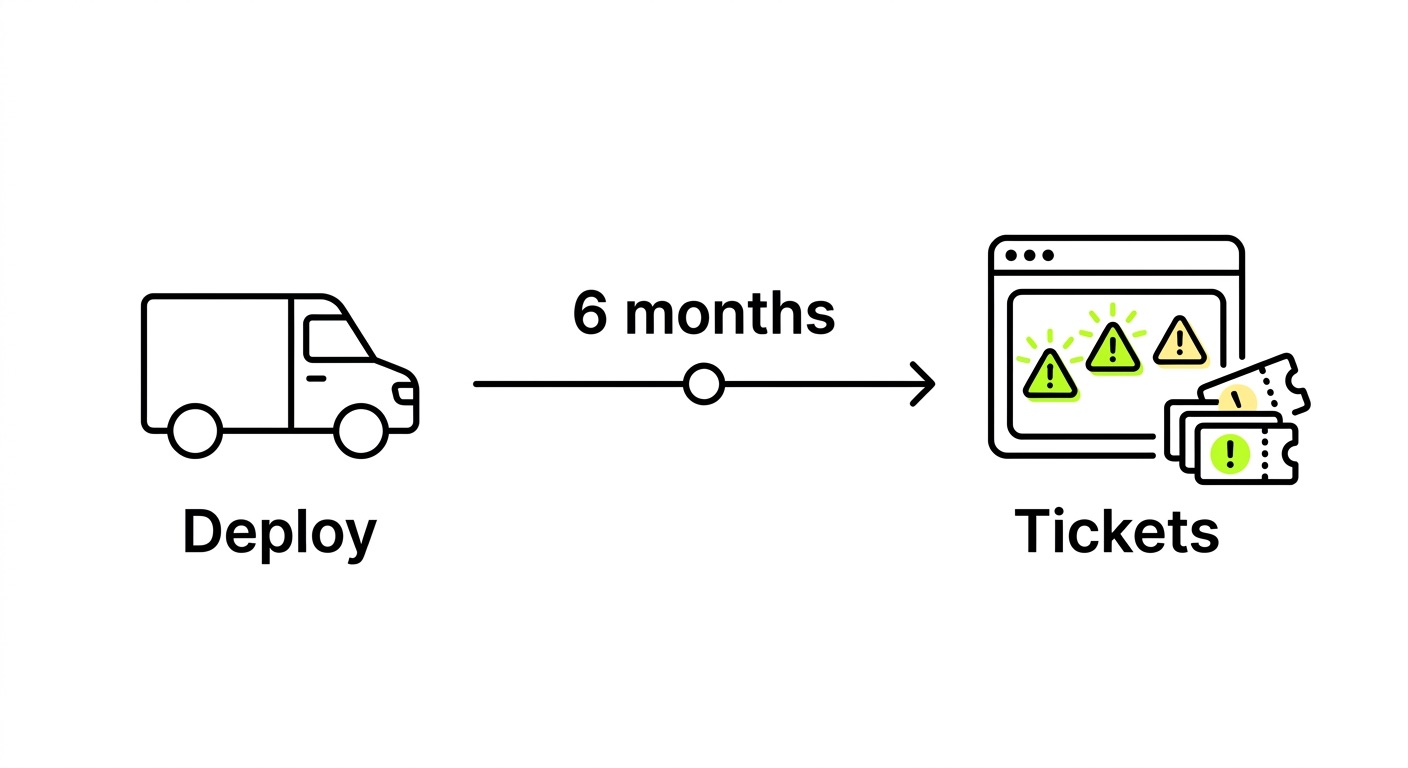
Zero-touch enrollment promises are common. Consistent delivery is less so. In our experience, failure modes tend to cluster around a few predictable problems rather than appearing as random edge cases.
Hardware module incompatibility is the most avoidable issue and the one we flag most often during pre-deployment validation. If the cellular module on the device doesn't support the required eSIM standards or transport protocols, no amount of platform sophistication compensates for it. This is one of those areas where honest advisory matters more than a quick sale – a module that works in a lab environment can fail in ways that only appear in volume production.
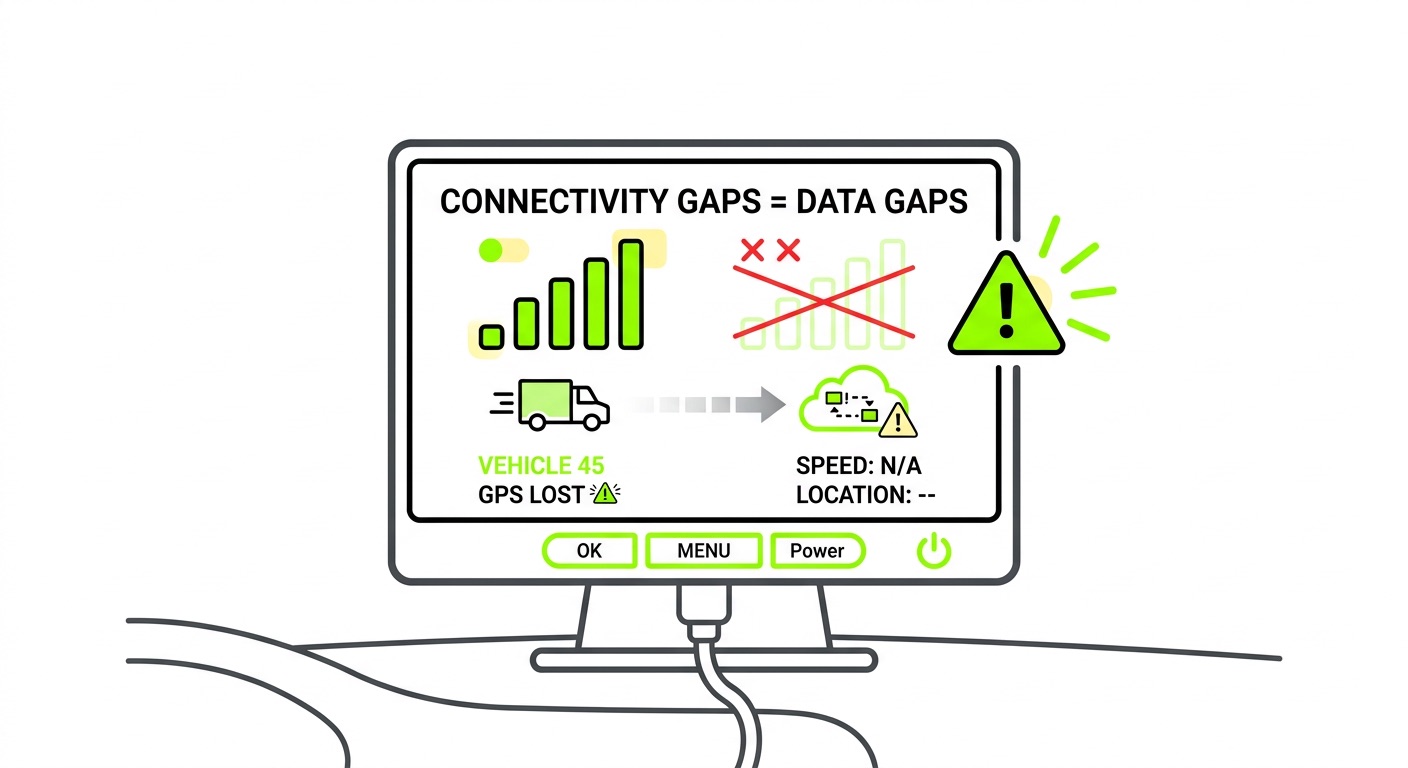
Profile state mismatches occur when the eIM and eUICC disagree on which profile is active. These surface as connectivity drops rather than obvious provisioning errors, making them difficult to diagnose remotely without session-level telemetry. Closely related are bootstrap connectivity gaps: if the bootstrap profile lacks coverage in the target deployment region, the device never receives its operational profile. Multi-network bootstrap access is what prevents this – not just broad global coverage in aggregate, but actual redundancy within each market.
The remaining failure points follow a pattern of underinvestment in infrastructure hygiene:
- Expired or self-signed certificates bypass the PKI validation chain, creating both security exposure and provisioning failures at scale
- SM-SR lock-in from legacy M2M architectures can strand fleets if the SM-SR relationship breaks down
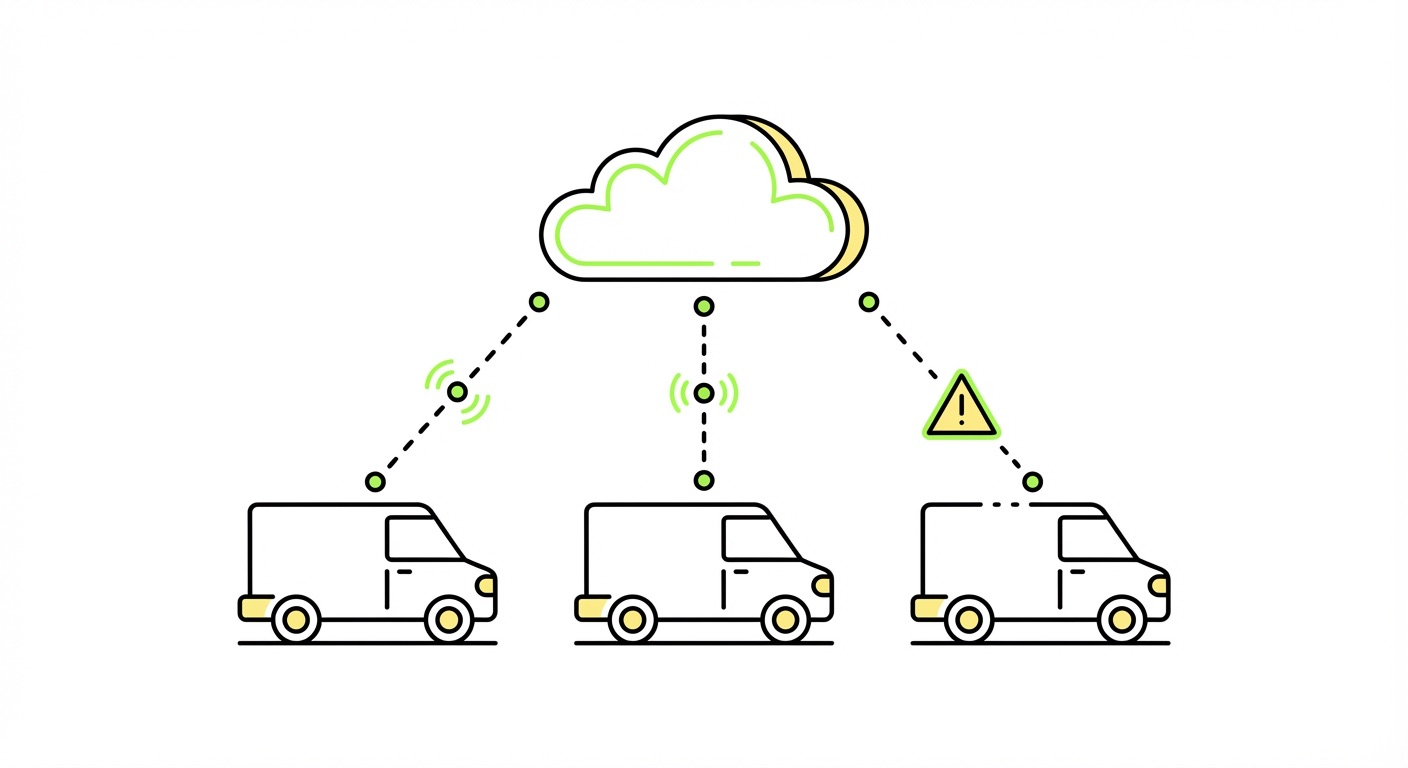
- No operational visibility – provisioning completes, but there's no session-level telemetry to confirm the device is using the right profile on the right network
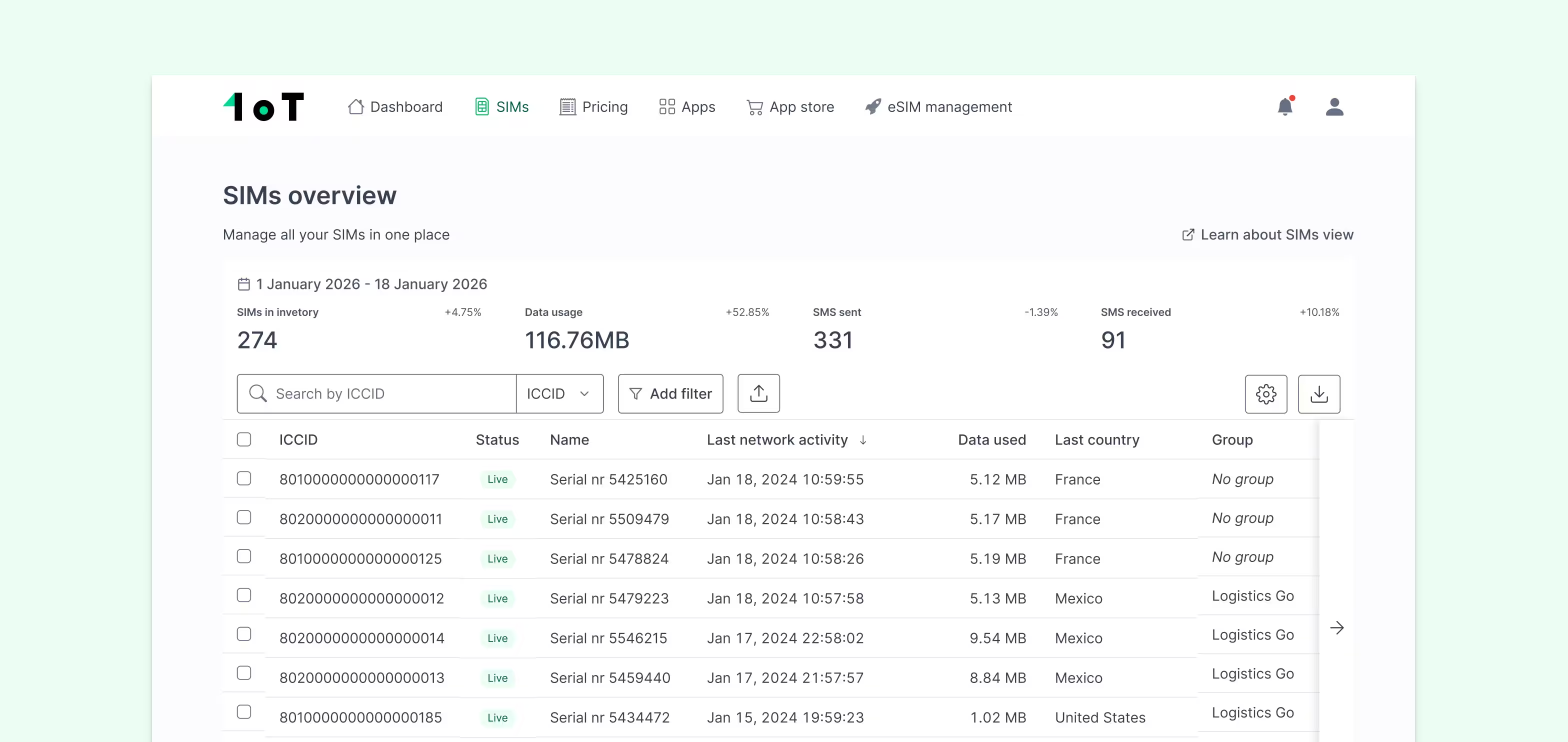
That last point is worth emphasizing: orchestration without observability isn't orchestration – it's a dashboard costume. The 1oT connectivity platform addresses this directly with real-time usage monitoring, per-SIM status tracking, and automated anomaly detection, so you know when something goes wrong before your end customer does.
Frequently asked questions
What's the difference between network registration and zero-touch enrollment?
Network registration is the cellular attach process – the device authenticating with the carrier network using SIM credentials. Zero-touch enrollment is the broader automation layer: profile delivery, configuration, and operational readiness, all without manual intervention. Registration is one step within enrollment, not a synonym for it.
Does zero-touch enrollment require eSIM, or can it work with physical SIMs?
Physical SIMs can support automated processes – IMEI pairing, remote APN configuration, and automated activation via API – but true zero-touch profile switching and carrier-agnostic provisioning require eSIM. Without an eUICC, you can't change the carrier profile over the air, which means field SIM swaps remain a manual fallback for any carrier or plan change.
What is the eIM, and why does it matter for IoT deployments?
The eIM (eSIM IoT Remote Manager) is a server-side component introduced in GSMA SGP.32 that manages profile operations on IoT eUICCs remotely. It replaces the SM-SR from older M2M architectures and removes a key source of vendor lock-in. The eIM controls which profiles can be downloaded, enabled, or deleted – meaning whoever owns the eIM relationship effectively controls the device's connectivity future. OEMs should clarify this before signing any provisioning agreement.
Key takeaways
- Bootstrap-to-operational is the core provisioning flow: devices power on with limited bootstrap connectivity, pull down their operational profile via SM-DP+, and re-register on the target network – all without manual steps.
- SGP.32 is the right architecture for IoT at scale: it eliminates SM-SR lock-in, supports LPWAN transport protocols natively, and places provisioning control with the IoT customer rather than the infrastructure vendor.
- Device identity is a hardware-time decision: eUICC secure elements, GSMA-certified credentials, and PKI lifecycle management can't be retrofitted – they must be designed in from the start.
- Operational visibility is not optional: provisioning that completes without session-level telemetry leaves you blind to profile state mismatches, coverage failures, and unauthorized network usage.
- eIM ownership determines your long-term flexibility: understand who controls the eIM in any provisioning agreement – it determines whether you can switch carriers, update profiles, or exit a vendor relationship without a hardware recall.
Ready to move past manual onboarding? Explore 1oT's IoT eSIM infrastructure or get in touch to discuss your deployment requirements.







.avif)



.avif)