IoT device network reselection problems: causes and fixes

Mikk Lemberg
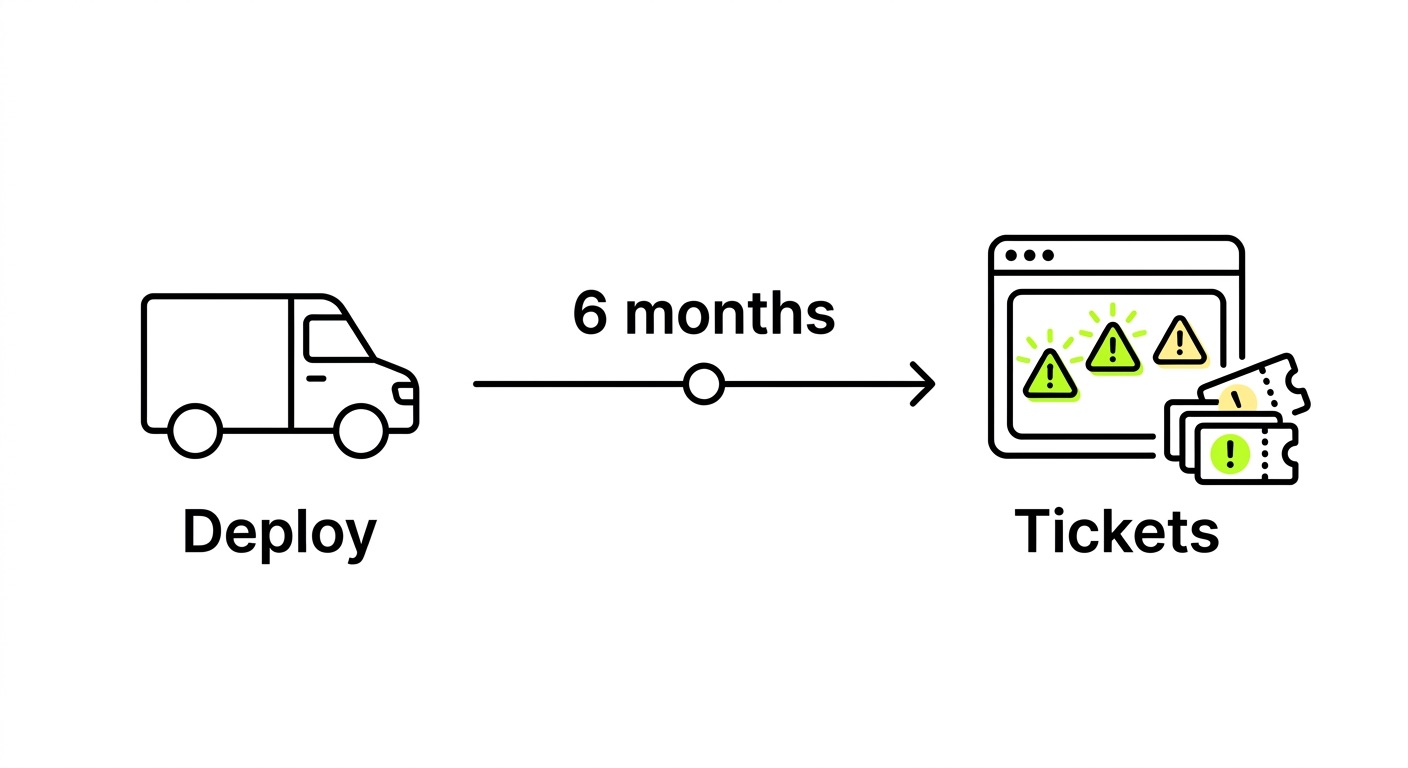
When an IoT device refuses to switch networks – or keeps bouncing between weak cells – it rarely announces the problem loudly. You just see data drop, battery drain spike, and support tickets pile up. Here's how to diagnose what's actually happening and fix it.
In this article
- What network reselection actually means
- The most common causes of reselection failure
- Diagnosing the problem with AT commands
- Modem firmware fixes and configuration best practices
- How SIM type affects reselection behavior
- Frequently asked questions
- Key takeaways
What network reselection actually means
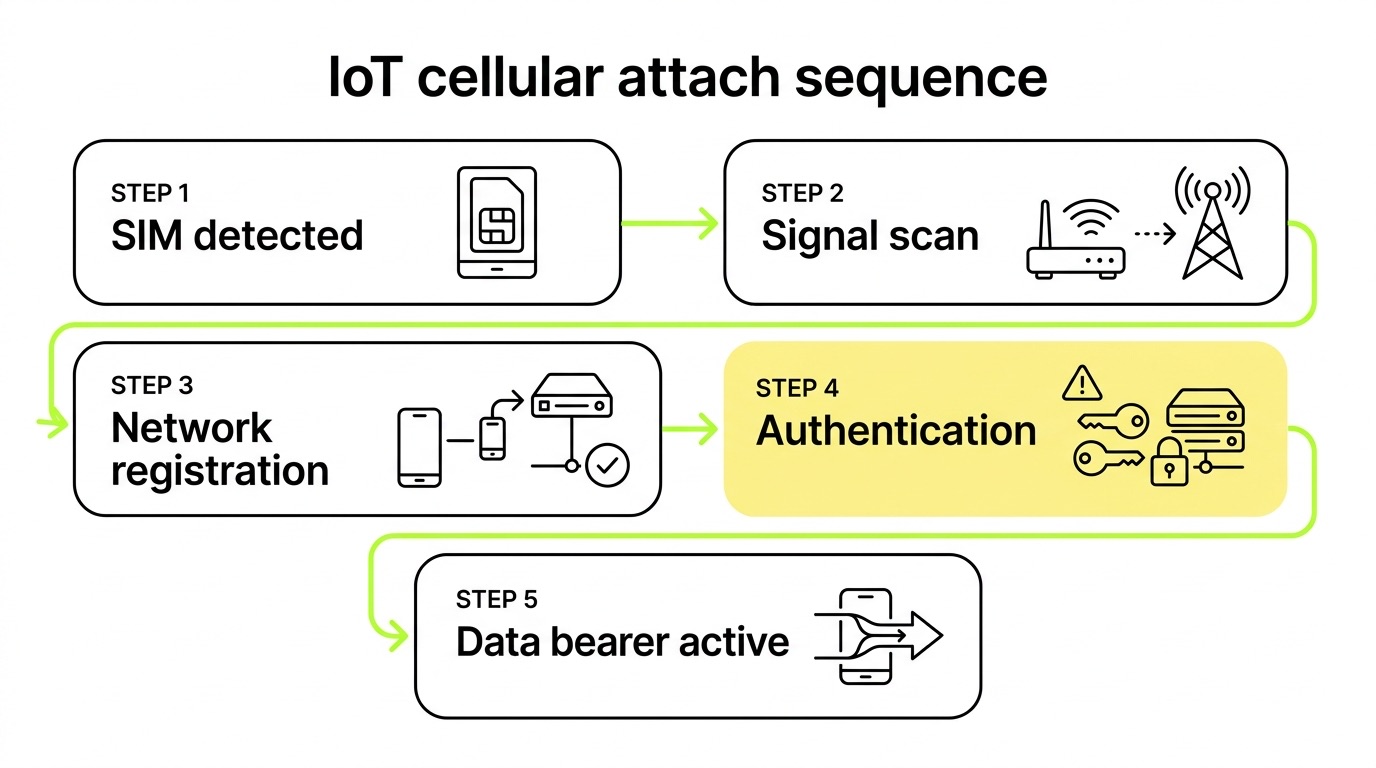
Network reselection is the process by which a cellular modem identifies and switches to a better available network – either within the same operator (cell reselection) or across operators (PLMN reselection). In stable, well-covered environments this happens invisibly. In real deployments – devices crossing coverage boundaries, entering buildings, or operating in areas with multiple competing carriers – it's a regular event that firmware and SIM configuration need to handle correctly.
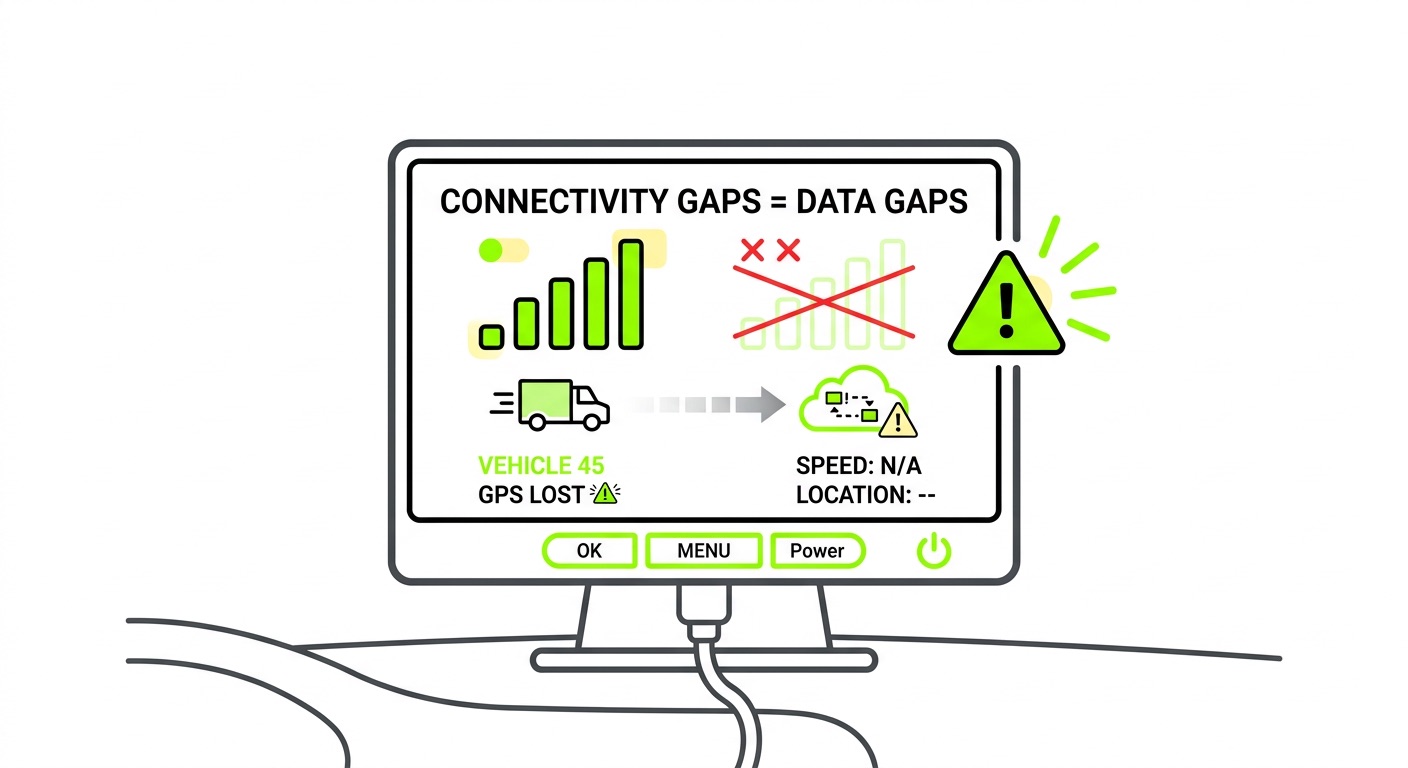
When it fails, devices don't always go offline completely. More often, they stay registered to a degraded cell with poor signal, silently dropping data while appearing connected. For fleet managers or remote asset operators, this is one of the harder failure modes to catch without session-level telemetry.
The most common causes of reselection failure
Most reselection problems trace back to one of five root causes – and in our experience, the first two account for the majority of field issues.
Sticky network behavior is exactly what it sounds like: the modem latches onto the last-known network after signal loss instead of triggering a fresh PLMN scan. This is especially common in NB-IoT deployments, where handover isn't supported and the device must re-register from scratch after any coverage gap. Devices in vehicles or moving assets are particularly exposed.
Manual network selection left enabled is the other leading culprit. Firmware configured in manual mode (AT+COPS=1) locks the modem to a specific operator and prevents automatic scanning. This is often set deliberately during development or testing and never reverted before production deployment – a surprisingly common oversight that we've flagged for customers more than once.
Forbidden PLMN list poisoning is slower to surface but equally damaging. When a device receives repeated attach rejects from a network – due to roaming policy, misconfiguration, or a temporary outage – that network gets added to the FPLMN (Forbidden PLMN) list cached on the SIM. Even after the issue is resolved, the modem won't attempt to register again without the cache being cleared. The device looks functional but is permanently barred from a legitimate network.
Cell ping-pong between two weak cells is a pattern we see particularly in certain LTE-M deployments, where devices oscillate between two cells on the same tower every 20–60 seconds. This constant reselection prevents PSM (Power Saving Mode) from activating and can drain battery unexpectedly while generating high volumes of RRC connections. Nordic Semiconductor's nRF9160 firmware release notes document specific fixes for this scenario – worth reviewing if you're using nRF-series modules.
Multimode attach race conditions affect devices configured for both LTE-M and NB-IoT. A NCELLMEAS (neighbor cell measurement) request can interrupt an in-progress attach or TAU (Tracking Area Update) procedure, causing the modem to abandon the attempt mid-sequence. This is a firmware-level bug in several module families and requires vendor-specific patching.
Diagnosing the problem with AT commands
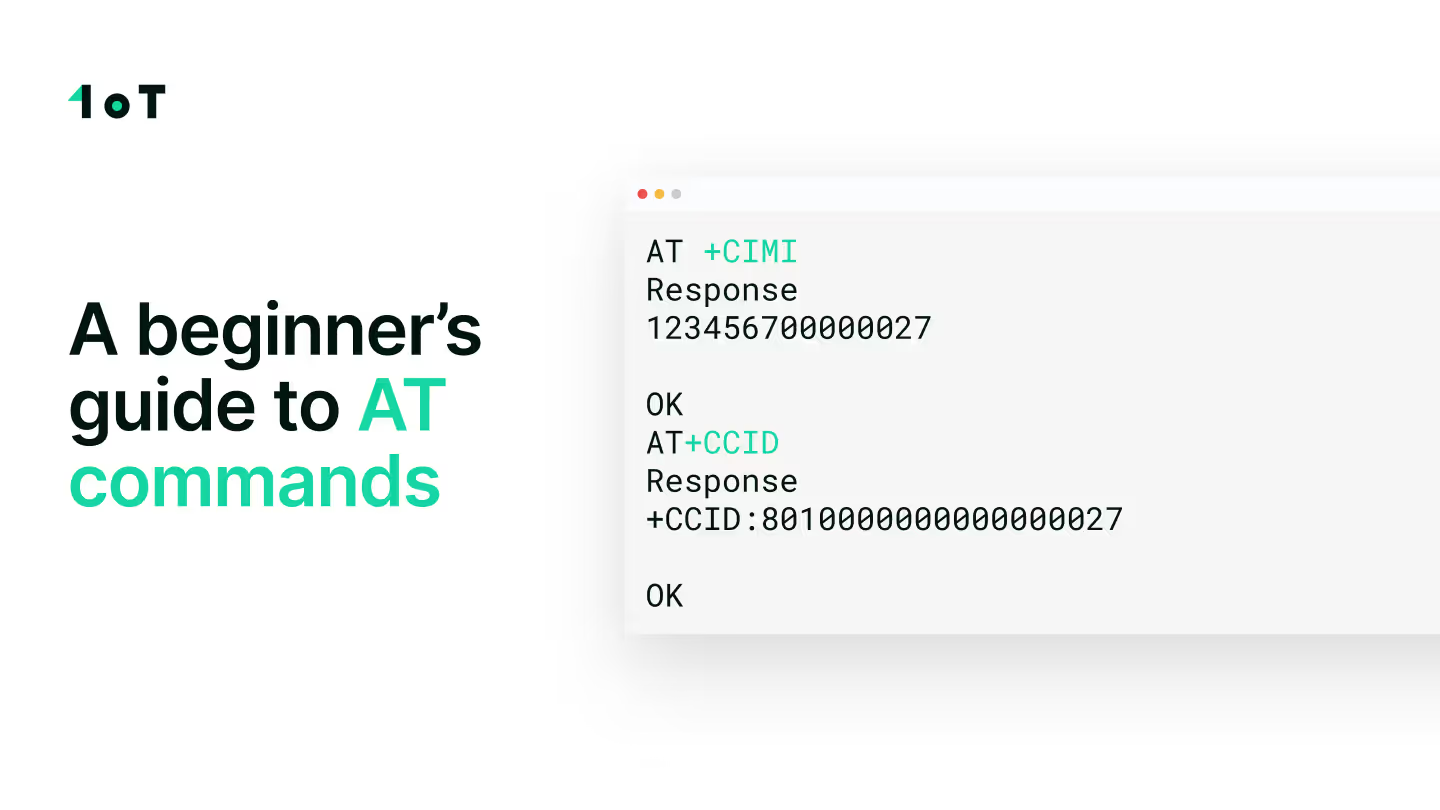
Before adjusting configuration, you need to establish what state the modem is actually in. A handful of AT commands will tell you most of what you need to know. Our beginner's guide to AT commands covers the full foundation – here's the diagnostic sequence specifically for reselection issues.

- Check registration status with
AT+CREG?. The response+CREG: 0,2means the modem is searching but not registered.+CREG: 0,3means registration was actively denied – a policy or roaming issue, not a hardware fault. - Confirm network selection mode with
AT+COPS?. If the response shows mode1(manual), that's your problem. Switch to automatic withAT+COPS=0. All major module vendors – Quectel, u-blox, Telit, SIMCom, Fibocom – support this command, and it should be your default for any production deployment. - Scan available networks with
AT+COPS=?. This triggers a full PLMN scan and lists available operators. If networks you expect to be present are missing, the issue may be FPLMN caching, antenna hardware, or genuine coverage absence. - Check signal metrics using
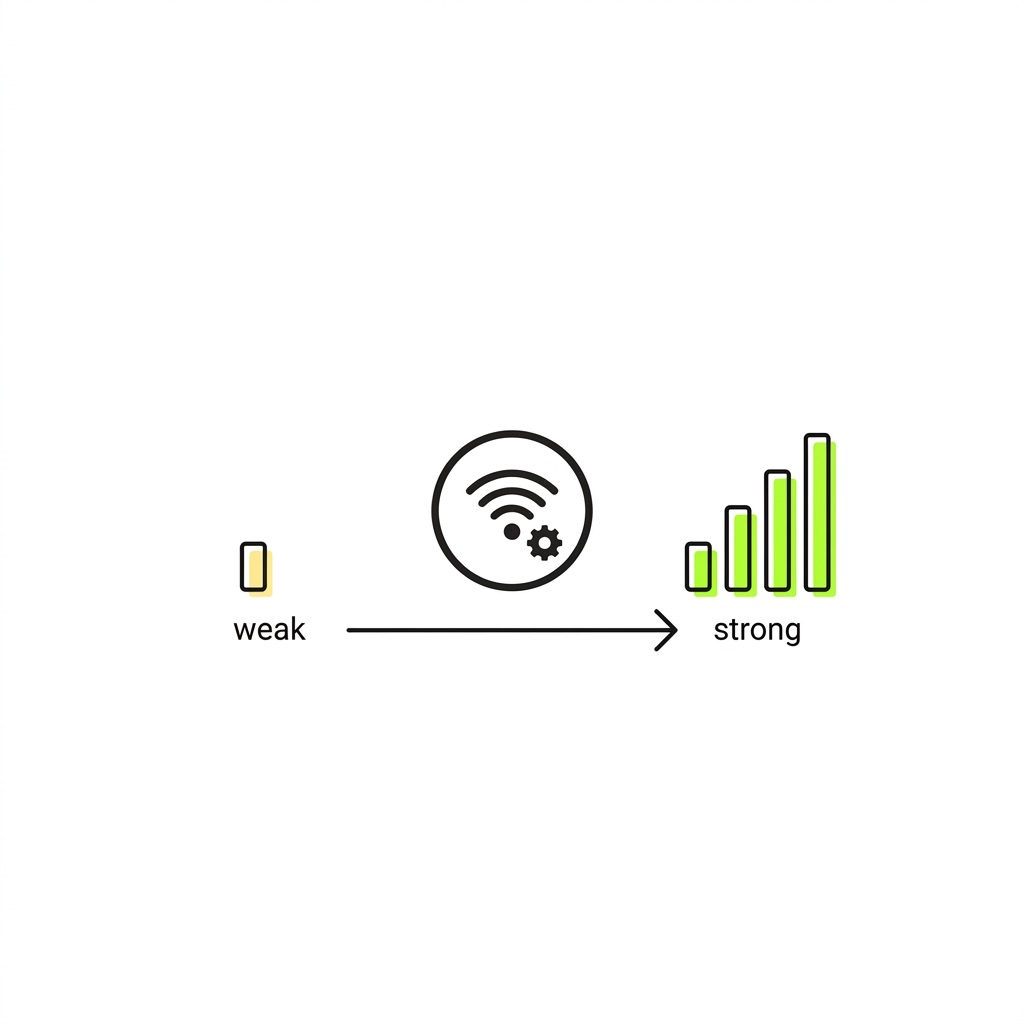
AT+CSQor module-specific commands (e.g.,AT+QCSQon Quectel) to pull RSSI and RSRP values. Low RSRP (below -110 dBm typically) against a cell that should have alternatives nearby points to a reselection threshold configuration issue.
Modem firmware fixes and configuration best practices
Configuration is half the battle. The other half is keeping firmware current – and this is where many hardware OEMs fall behind. Vendors including Nordic Semiconductor, Sierra Wireless, and Telit regularly publish firmware updates that address specific reselection bugs. A patch for higher-priority PLMN search or NCELLMEAS collision handling may already exist for your module family. The only way to know is to read the release notes before deployment, not after a field failure.
Testing firmware updates against your specific target carrier is equally important. A fix that resolves ping-pong on one network can alter timer behavior on another. Always validate in your target market before pushing OTA at scale.
Configuration defaults that should be standard for every production build:
- Set
AT+COPS=0for automatic operator selection - Enable auto-registration so the modem performs fresh PLMN scans after signal loss, rather than retrying the last-known network indefinitely
- Verify roaming is enabled for international deployments (e.g.,
AT+QCFG="roamservice",1on Quectel) - Audit T3402 (attach failure retry timer) and T3412 (periodic registration timer) settings – misconfigured timers can make devices appear to retry correctly while actually waiting far too long between attempts
- Remove any manual network selection, test APNs, or disabled-roaming flags left over from development
For mobile deployments specifically, technology choice matters as much as configuration. LTE-M supports full cell tower handover, making it the appropriate choice for anything that moves – vehicles, asset trackers, field equipment. NB-IoT lacks handover capability, which means every coverage transition requires a full re-registration, multiplying reconnection time, power consumption, and reselection failure risk. If you're evaluating which technology suits your deployment, the NB-IoT vs LTE-M comparison is worth working through before committing to a module family.
How SIM type affects reselection behavior
Modem configuration handles the device side of reselection. But the SIM determines which networks the device is even allowed to try – and this is where steered versus non-steered roaming becomes operationally significant.

Steered SIMs carry a preferred network list that pushes devices toward specific operator partners. When that preferred network is degraded or congested, the device may be slow to switch away – or may not switch at all until the preferred network becomes completely unreachable. This is designed behavior that creates real-world outages in deployments with tighter uptime requirements. Understanding how roaming steering works is important context before choosing a SIM provider, because the commercial arrangements between operators directly affect device behavior in the field.
Non-steered SIMs leave the network selection decision to the device's radio layer, based on actual signal conditions. The modem connects to the strongest available network regardless of operator priority. This is 1oT's default approach – we provide non-steered SIM cards because we believe devices should always reach the best available signal, not the best available commercial arrangement. In markets with multiple active operators, this adds meaningful redundancy: if one network is congested or has a partial outage, devices reselect automatically rather than sitting on a degrading connection. The multi-network coverage architecture supporting this spans 190+ countries.
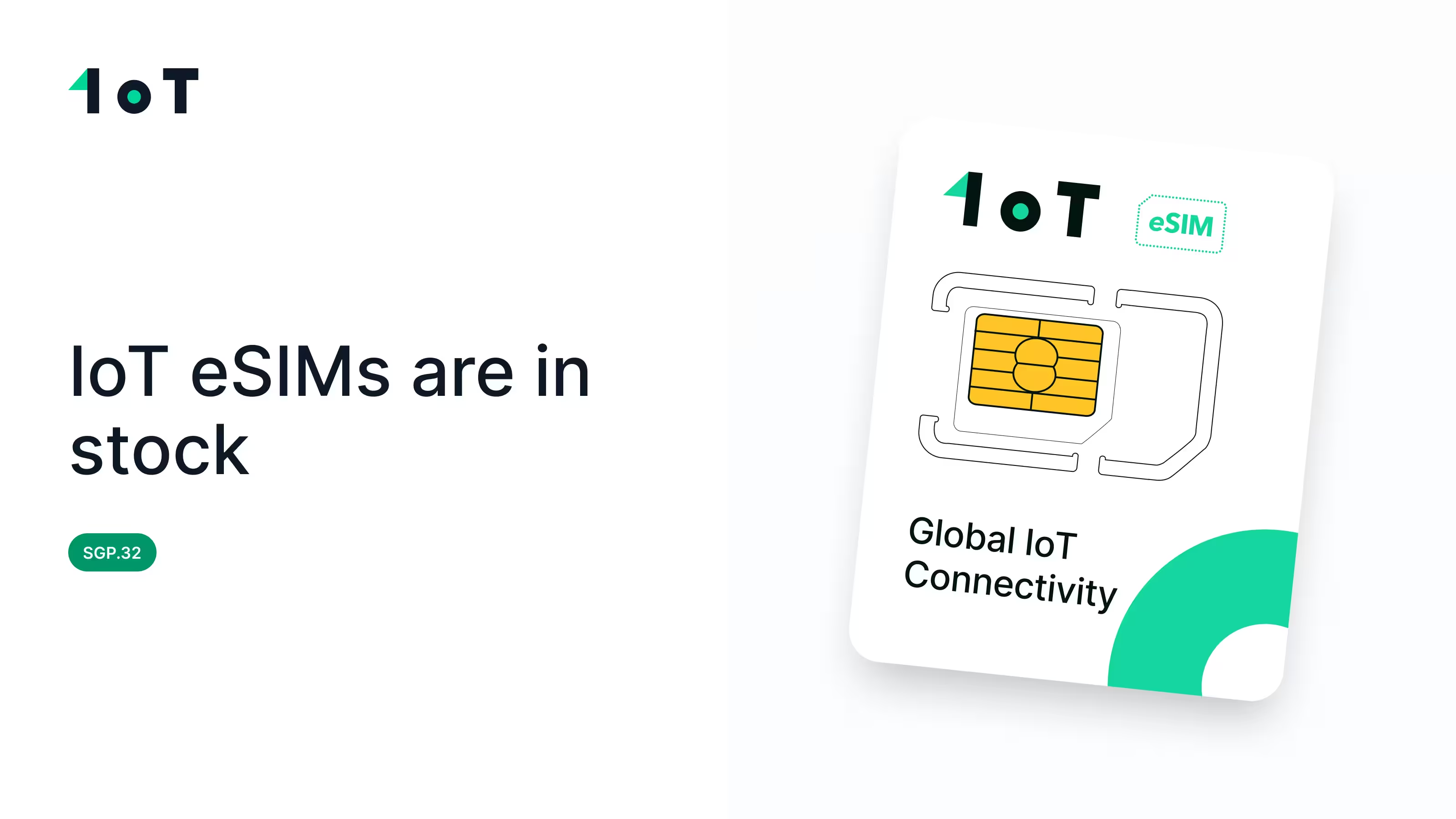
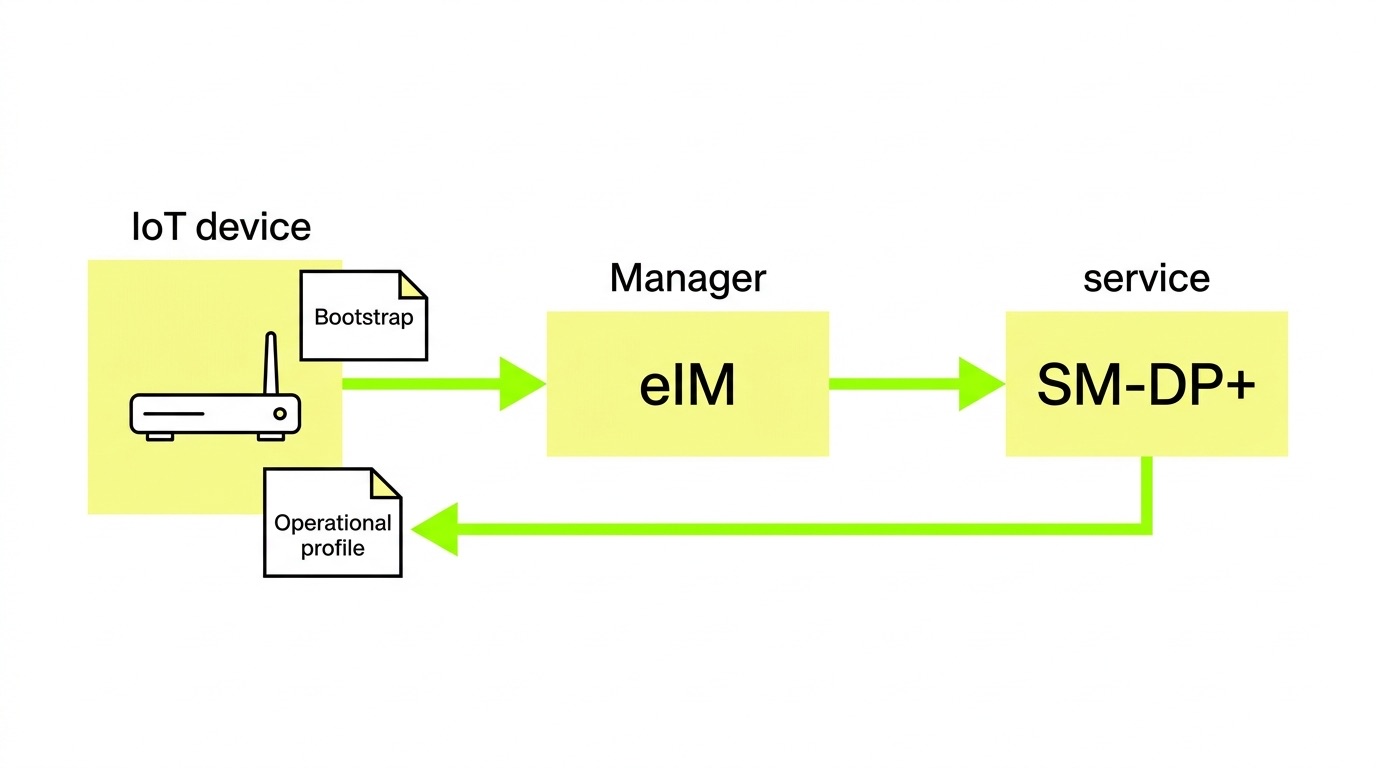
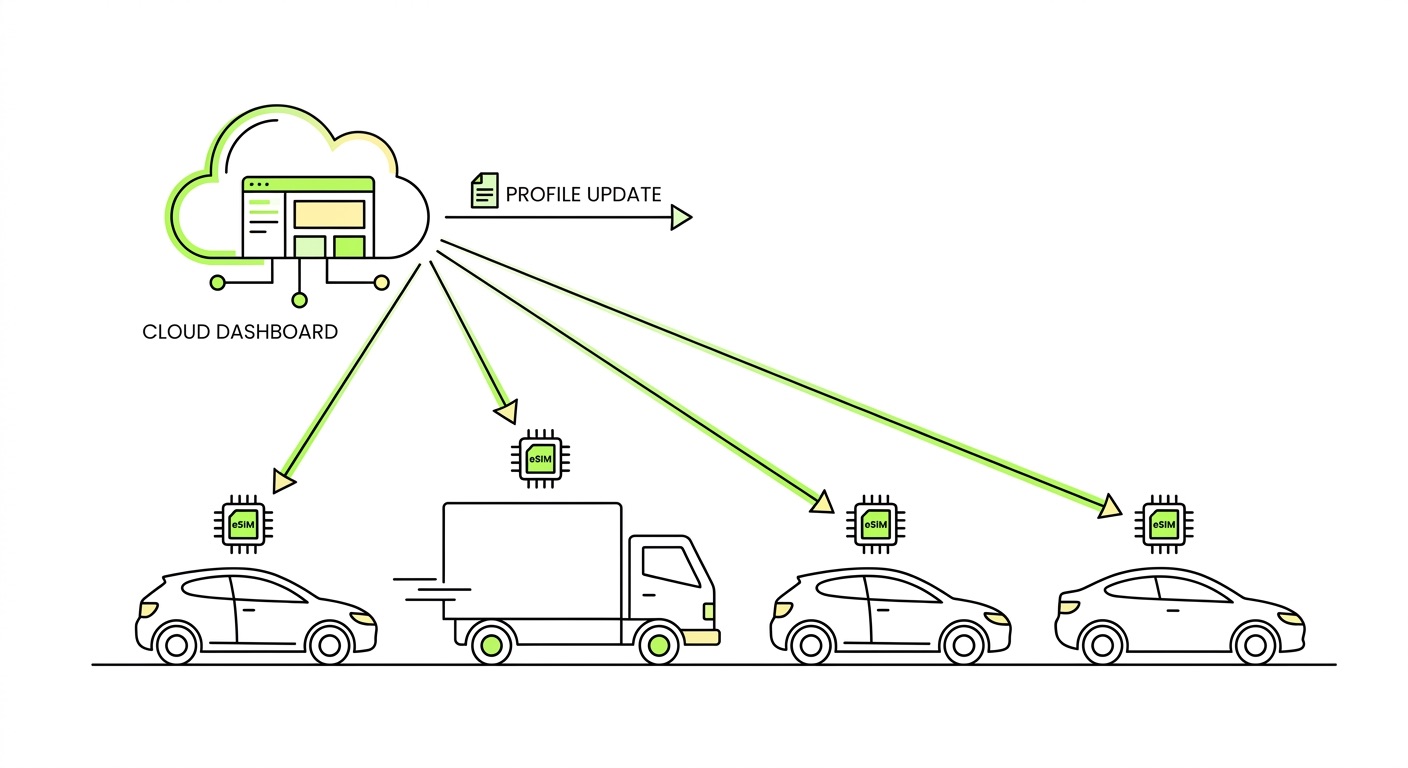
eSIM adds another layer of control. Rather than being limited to whichever networks a single physical SIM can access, an IoT eSIM built on SGP.32 supports remote profile switching – changing which operator profile the device uses entirely, over the air, without physical intervention. The GSMA SGP.32 specification includes fallback and rollback mechanisms: if a newly activated profile loses connectivity, the device can automatically revert to the previous working profile. For deployments at scale, this fundamentally changes the remediation model – network failures become a platform operation, not a field operation.
Lightweight SGP.32 profiles are small enough to provision over LTE-M and even NB-IoT links, making OTA profile management practical for constrained devices. The Trusted Connectivity Alliance's analysis of SGP.32 benefits covers the practical gains in detail. For deployments crossing multiple regions, our guide to navigating roaming restrictions by geography is useful background on how local regulations interact with SIM and profile configuration.
Frequently asked questions
Why does my device show as connected but not transmit data?
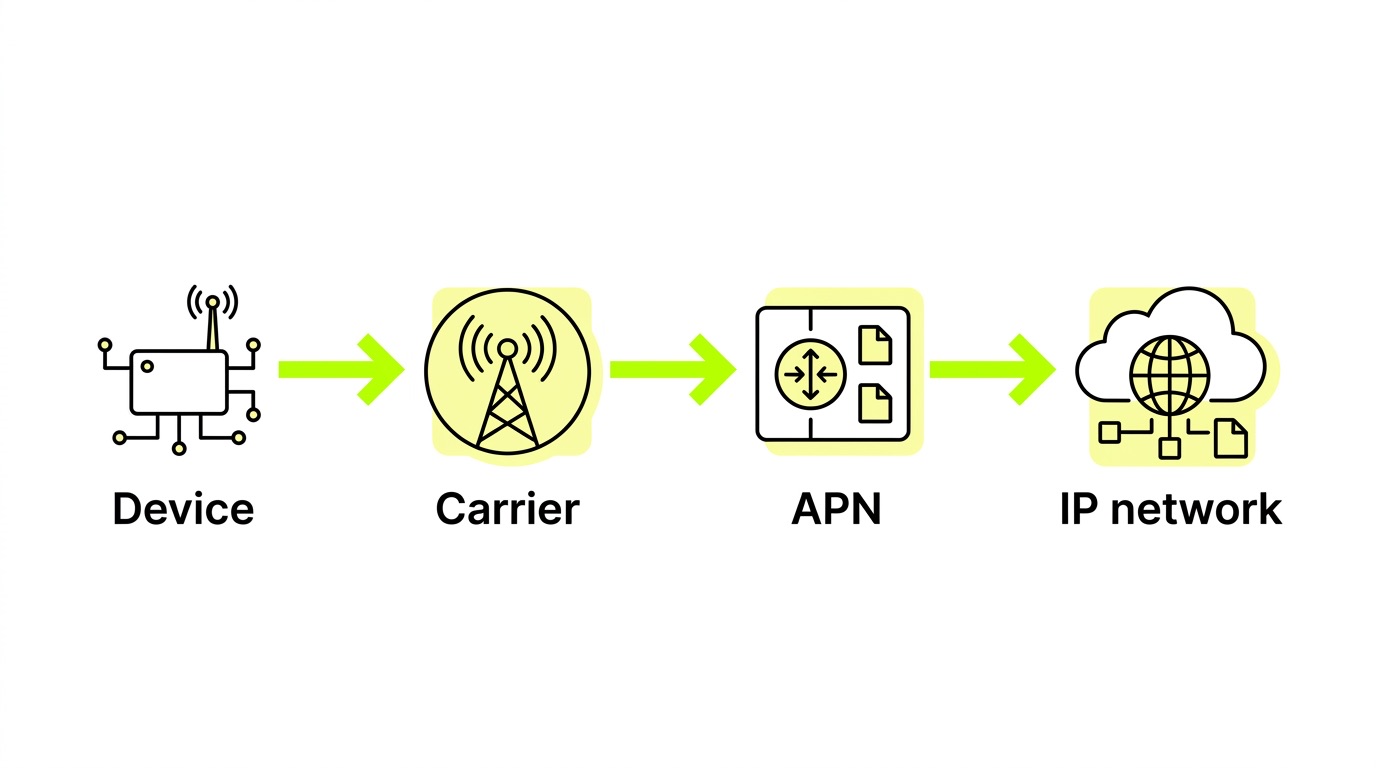
This usually indicates the device has registered to a network but the data bearer hasn't been established – often due to an incorrect or missing APN, or a network that allows registration but restricts data sessions. It can also occur when a device sits on a network with poor signal that technically passes the registration threshold but can't sustain a stable data session. Check APN configuration first, then pull signal metrics to verify actual radio conditions.
Can firmware updates fix reselection problems without hardware changes?
Yes, in most cases. Reselection failures are frequently timer misconfiguration, PLMN scan logic bugs, or modem state machine issues – all addressable via firmware. However, if the root cause is the SIM's preferred network list (steered roaming) or FPLMN cache, firmware alone won't resolve it. The SIM configuration needs to change, which is where eSIM with remote profile management becomes valuable.
What's the difference between cell reselection and PLMN reselection?
Cell reselection happens within a single operator – the device moves from one base station to another on the same network. PLMN reselection happens between operators, when the device decides to register to a different carrier entirely. Both are governed by thresholds and timers configured in the modem and broadcast by the network. PLMN reselection failures are more damaging in multi-operator deployments because they can leave devices stranded on a single carrier with no fallback.
Key takeaways
AT+COPS=0is non-negotiable for production deployments. Manual or sticky network selection is a leading cause of reselection failure and should be audited out of firmware before devices ship.- FPLMN cache poisoning is silent and persistent. A device that was once rejected by a network won't retry it without explicit cache clearing – even after the underlying issue is fully resolved.
- NB-IoT is unsuitable for mobile deployments. Without handover support, every coverage transition becomes a full re-registration, multiplying reselection failure risk. Use LTE-M for anything that moves.
- Non-steered SIMs provide built-in resilience. Leaving network selection to radio conditions rather than operator preference lists means devices reselect to better networks automatically – without firmware changes.
- eSIM with SGP.32 moves remediation from the field to the platform. Remote profile switching with automatic fallback means network failures can be addressed at scale without physical SIM replacement.
If you're seeing reselection issues in your fleet, the diagnosis usually starts with firmware configuration and ends with SIM architecture. Explore connectivity options that give your devices the network flexibility they need from day one.










.avif)



.avif)